It’s been more than 20 years now, but I still recall reading Cameron Moll’s “Good Designers Redesign, Great Designers Realign” in A List Apart, the go-to publication for folks who saw the web as a craft to be honed. Moll’s distinction was simple: redesign is driven by aesthetics (vibes, as the kids these days say), while realignment is driven by purpose.
I took it a step further. If every change starts from purpose, you don’t need a big overhaul every few years. You can use analytics and reader feedback to make a steady stream of small fixes, and save the overhaul for when you really need one.
But I found one huge problem with this idea: content and development teams rarely have the bandwidth to pull it off, however admirable the aim. I agreed with his thesis and approach, but I found it difficult to execute in reality. Today, for the first time, I see it as a practical approach in the real world.
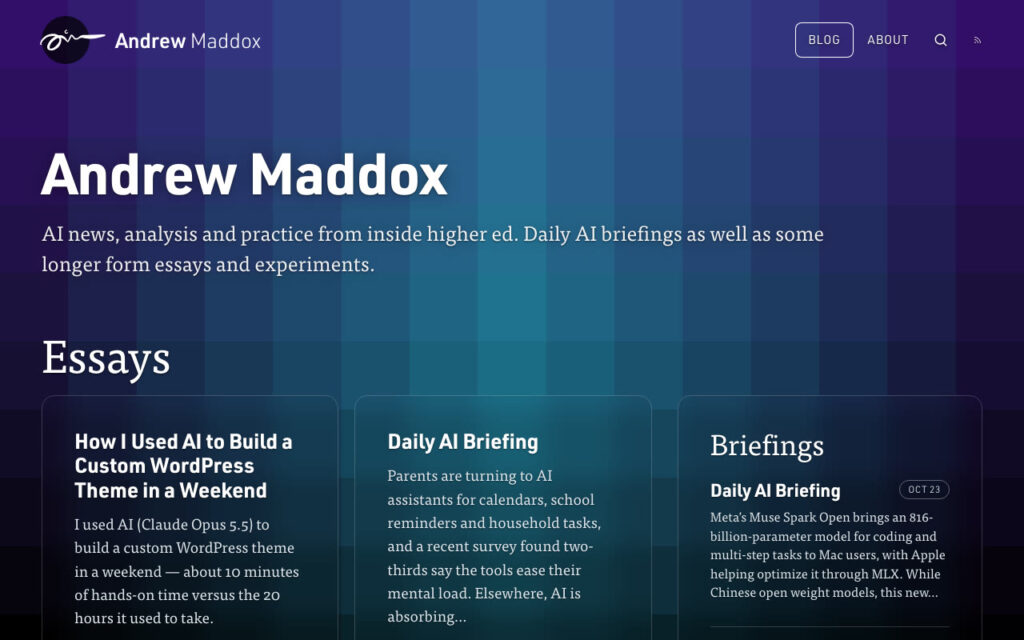
Just a few weeks ago, I published an all-new custom WordPress theme here on my blog using Claude Opus 5.5. The work happened over a single weekend, using inspiration from a portfolio website I designed years ago.
But after posting and using the site for a few weeks, I found some serious readability and usability problems. So I fired up Claude Code to make a second round of updates just days later, something that has never happened in my 20+ years of blogging.
If you visited this blog before this month, you know the drill. You land on the homepage and get the latest post. The whole thing. Then the next one. Then the next one. This approach worked with simple, all-text posts, but frankly wasn’t great when I started including images and other supporting media.
The short version: I used Claude Code to evolve my WordPress theme’s homepage, archives, and footer. The new design is easier to scan, separates long-form essays from daily AI briefings, and ships about 70% less data with roughly half as many requests.
A front page, not a feed
So the new homepage starts with who I am and what this site is, then splits things up: essays in a grid of cards, and the latest briefings in their own column. Drag the slider to see the difference.
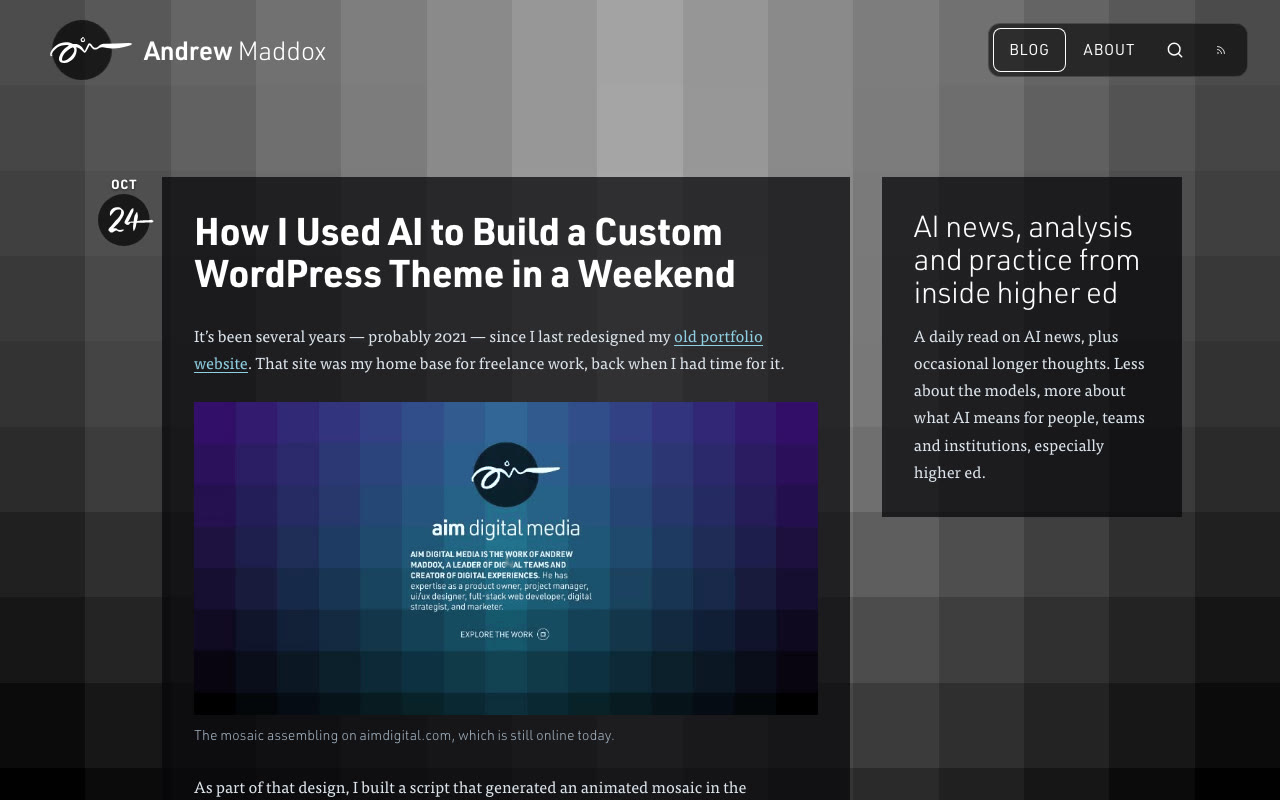
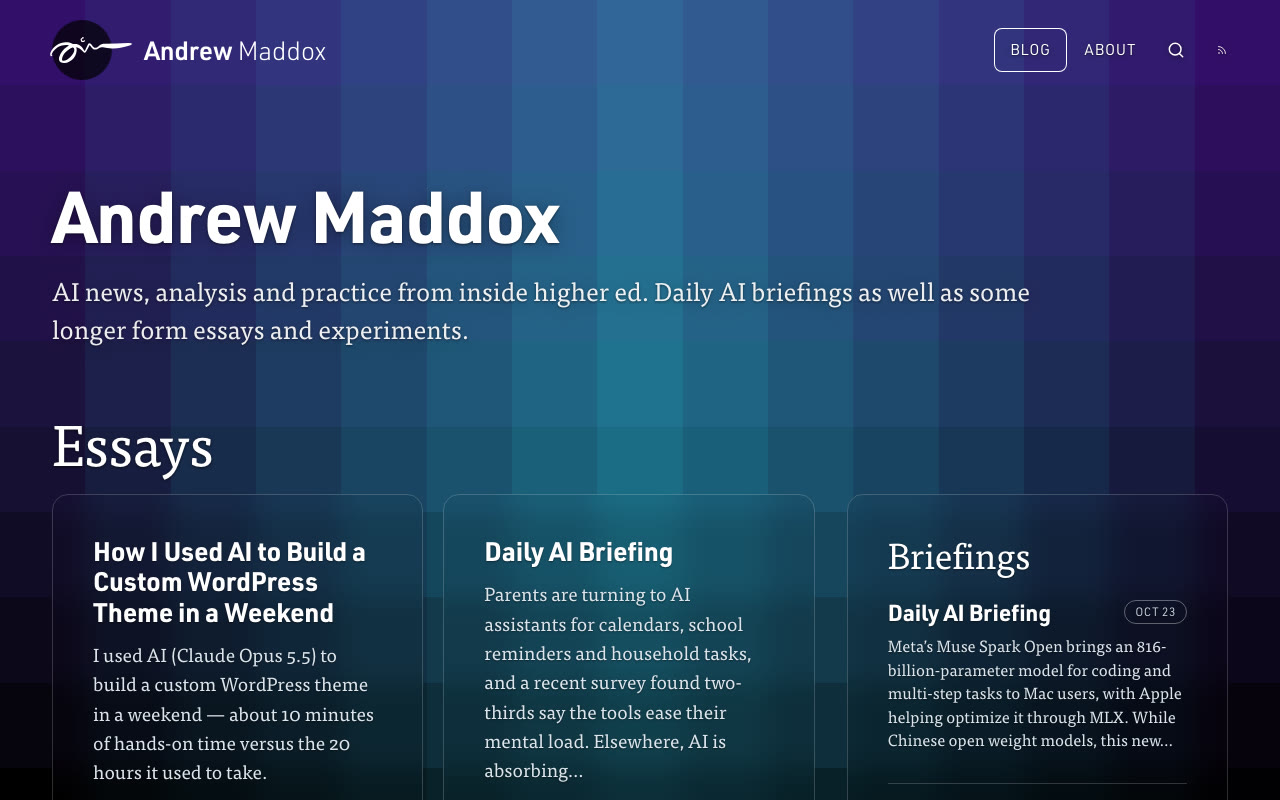
The brand didn’t change much. It’s the same logo, header, fonts, and mosaic background. The solid black boxes became softer, translucent cards, and the layout doesn’t feel so crowded.
Archives you can actually scan
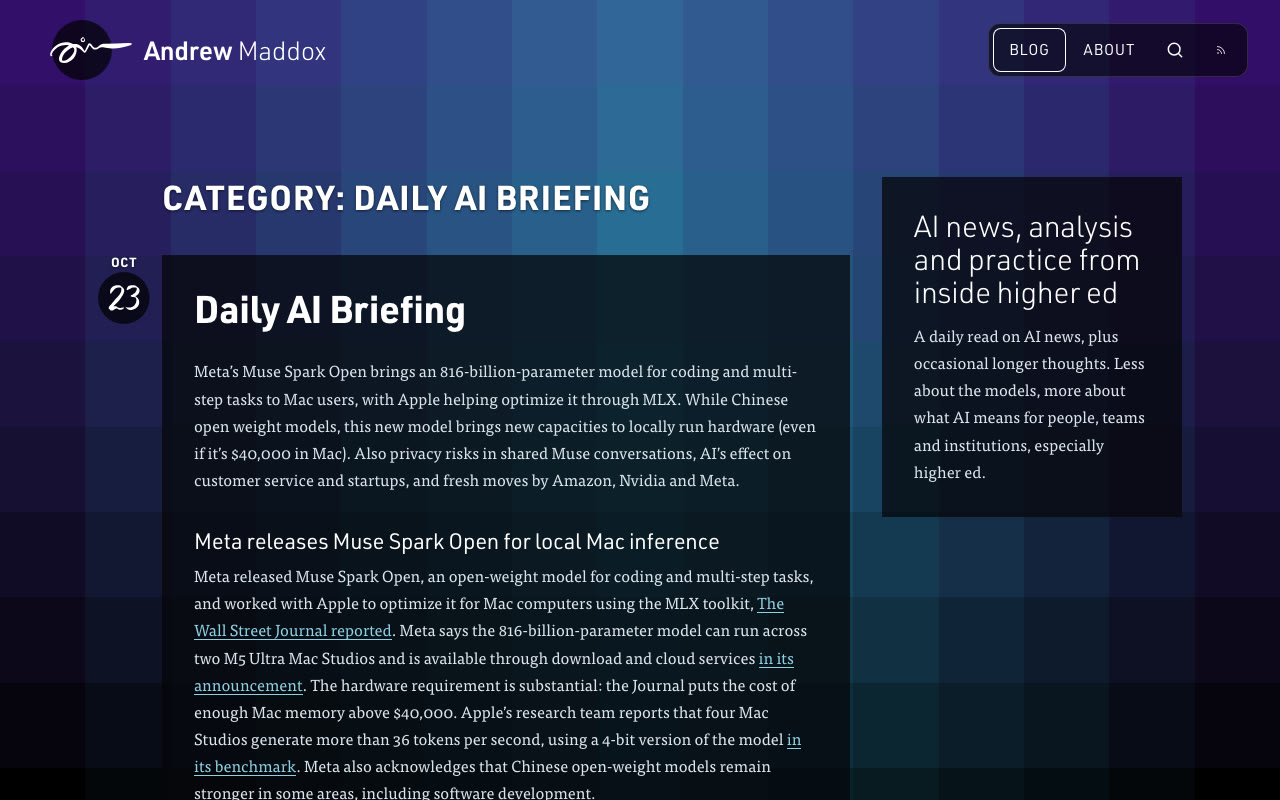
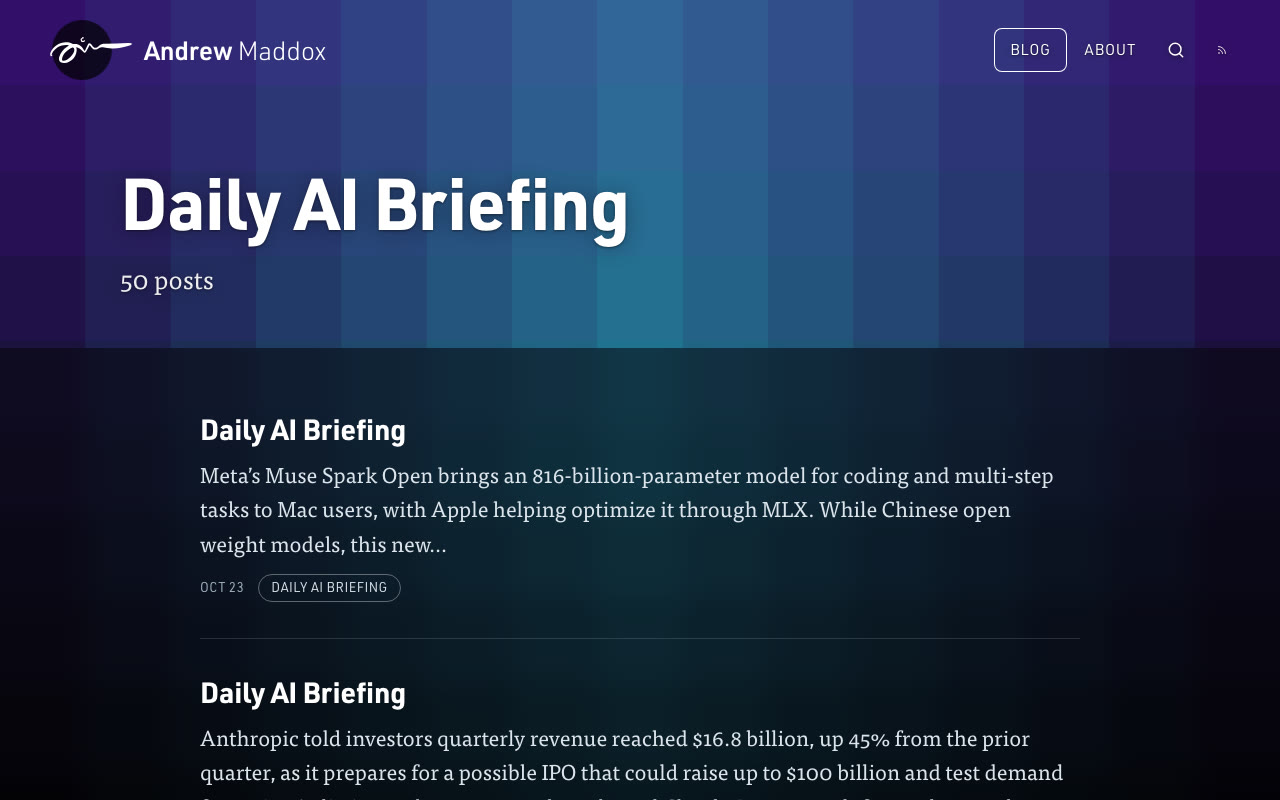
Category pages used to be the homepage problem times four. Every Daily AI Briefing, in full, under a shouty CATEGORY: DAILY AI BRIEFING header. Now you get a clean title, a post count, and excerpts.
A footer, finally
The old homepage ended with page numbers and a copyright line. It was fine, but not very interesting.
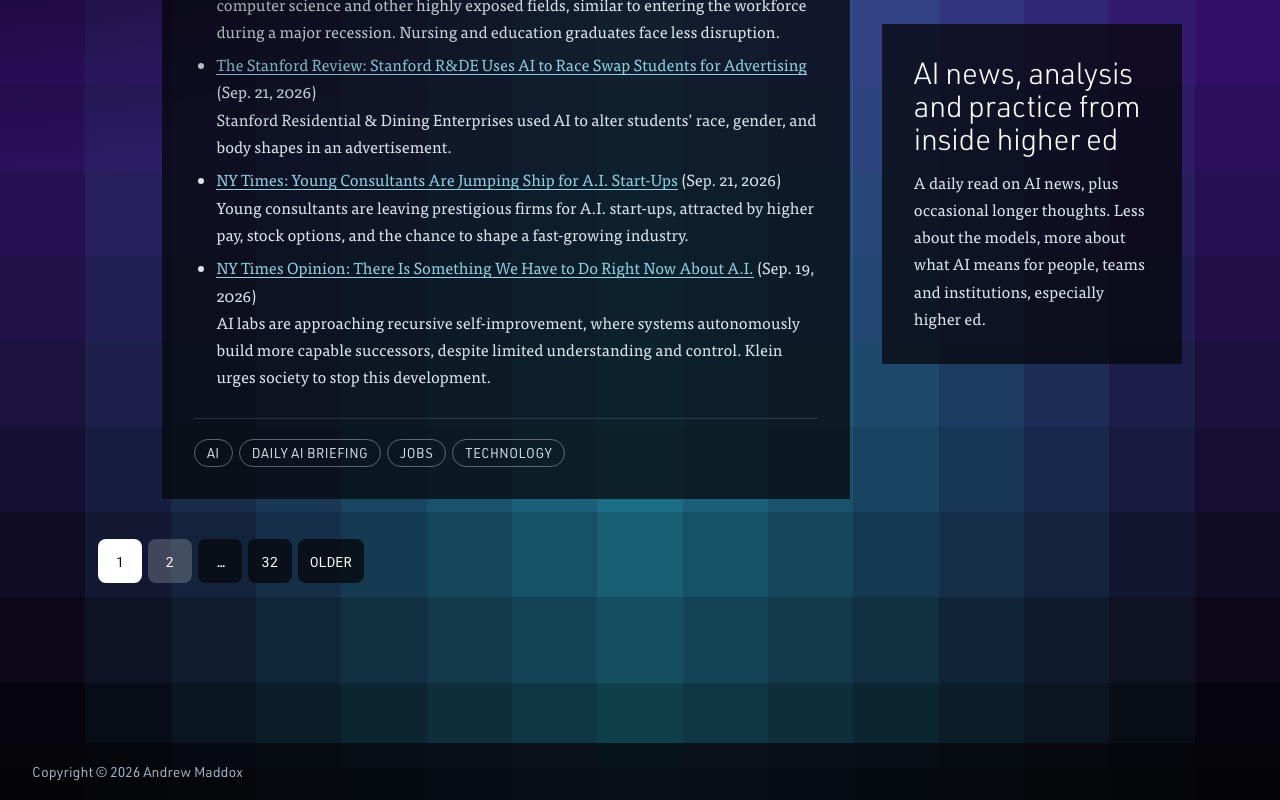
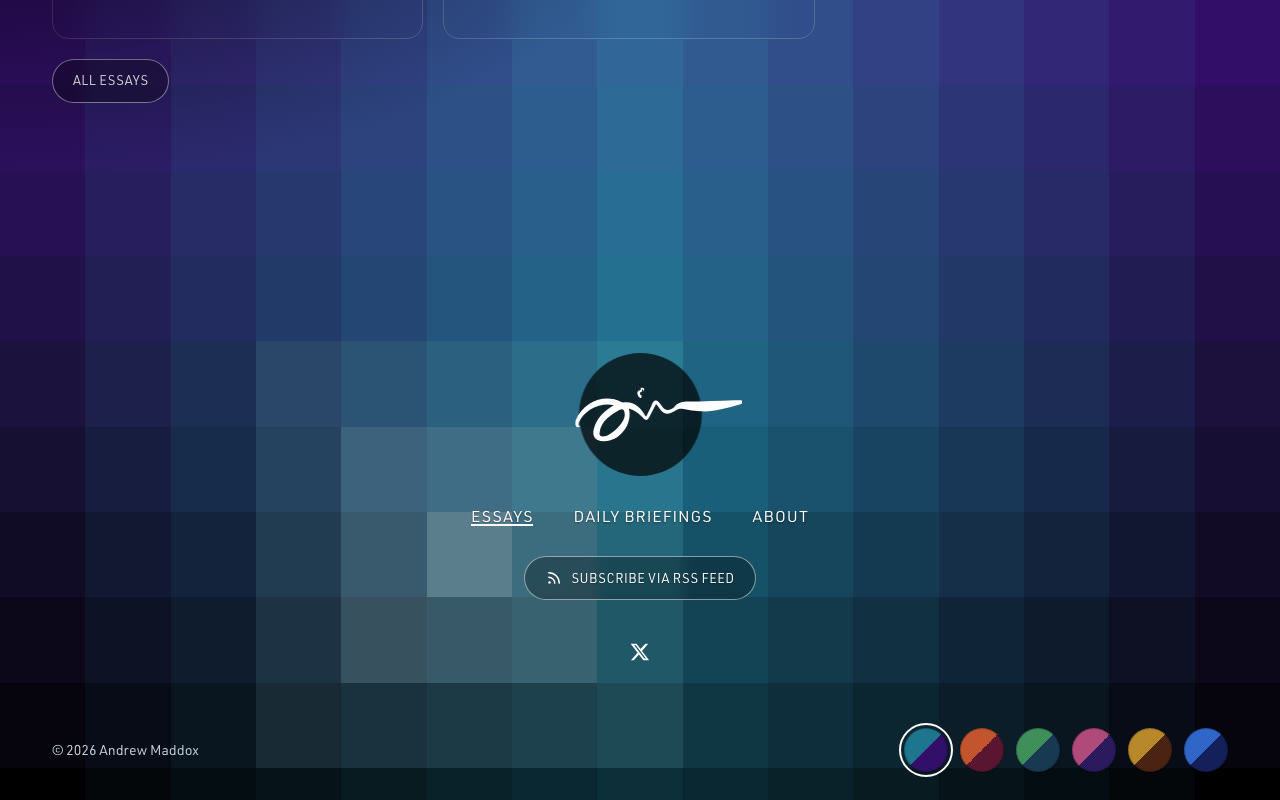
The new footer links to essays, briefings, and the About page, and adds an RSS subscribe button and a little row of color swatches. Click one and the whole mosaic changes color. Is it necessary? No. But is it fun? Absolutely.
WordPress performance under the hood
Here’s the more technical part. Across the six pages I tested, the new WordPress theme ships about 70% less data and makes about half as many requests.
| Metric | Before | After | Change |
|---|---|---|---|
| Average page weight | 886 KB | 269 KB | −70% |
| Average requests | 33 | 15 | −54% |
| Homepage weight | 1.37 MB | 235 KB | −83% |
| Homepage length | ~20,100 px | ~3,300 px | −84% |
| Largest Contentful Paint* | 1.83 s | 0.57 s | −69% |
A big caveat: I measured the new design on a local copy of the site, so the speed numbers flatter it, especially Largest Contentful Paint, the Core Web Vitals metric for how quickly the main content shows up. A local site doesn’t deal with network lag or real hosting. The page weight and request counts are a fair comparison, though, and that’s where most of the gains come from:
- Excerpts instead of full posts. The homepage dropped from 1.37 MB to 235 KB, mostly because it no longer loads every image from every post.
- Fewer scripts. Most pages went from six scripts to three.
- Less markup. About 47% fewer HTML elements per page, and no more skipped heading levels.
What I’d tell other WordPress site owners
If your site has been waiting on a redesign, here’s where I’d start:
- Show excerpts, not full posts. On the homepage and archives, this was the single biggest win for page weight.
- Audit your scripts. Half of mine weren’t pulling their weight.
- Fix your heading structure. Skipped heading levels hurt accessibility and make it harder for search engines (and AI answer engines) to understand a page.
- Ship small changes often. AI coding tools like Claude Code make a second (and third) round of updates realistic instead of aspirational.
So: same blog, same voice, a lot fewer pixels. You can still scroll forever if you want to. You just don’t have to. And thanks to Claude, I finally took my own longstanding advice: evolve the site with small, steady improvements instead of waiting years for the next big overhaul (or redesign as folks might say)!