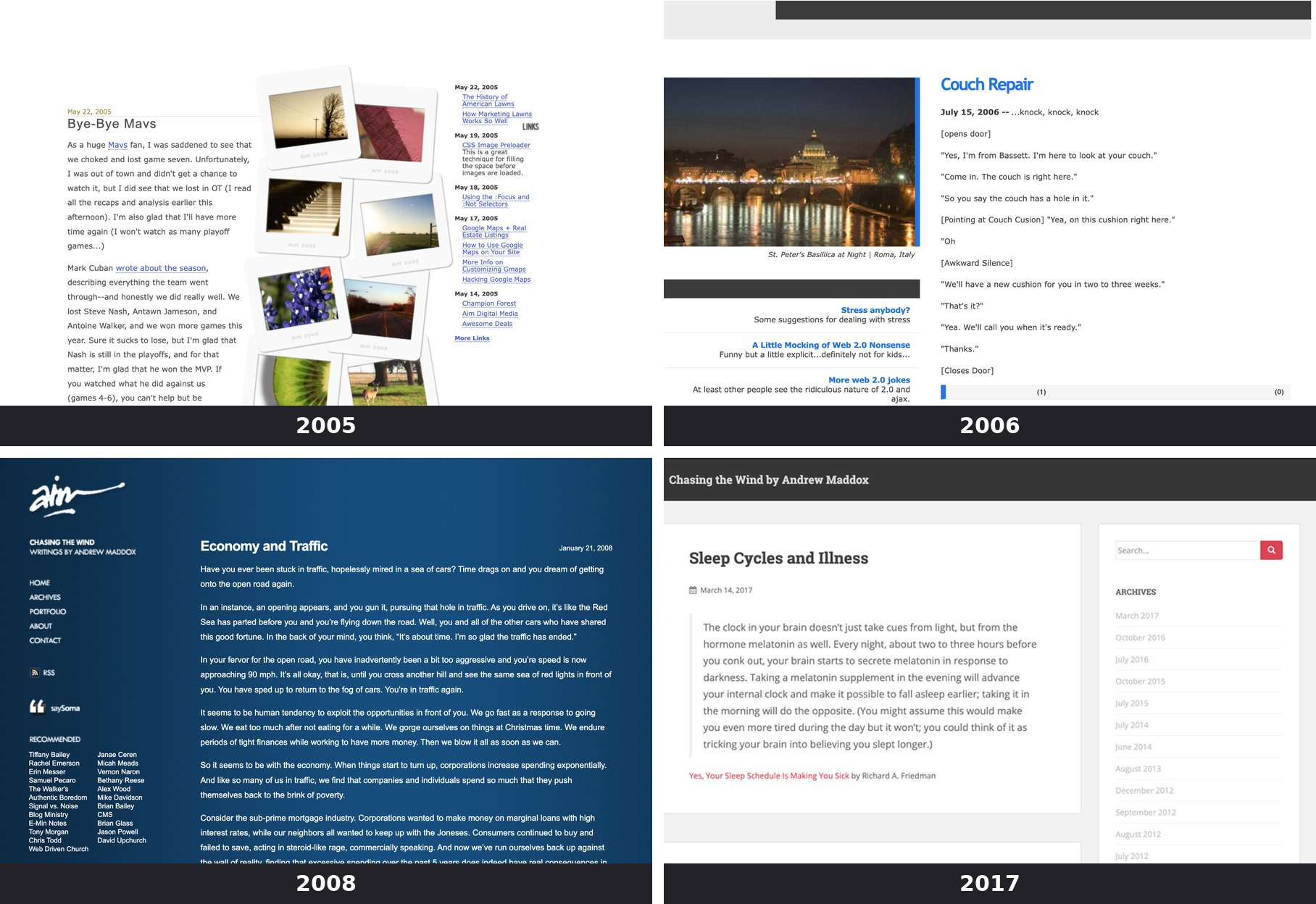
It’s been several years — probably 2021 — since I last redesigned my old portfolio website. That site was my home base for freelance work, back when I had time for it.

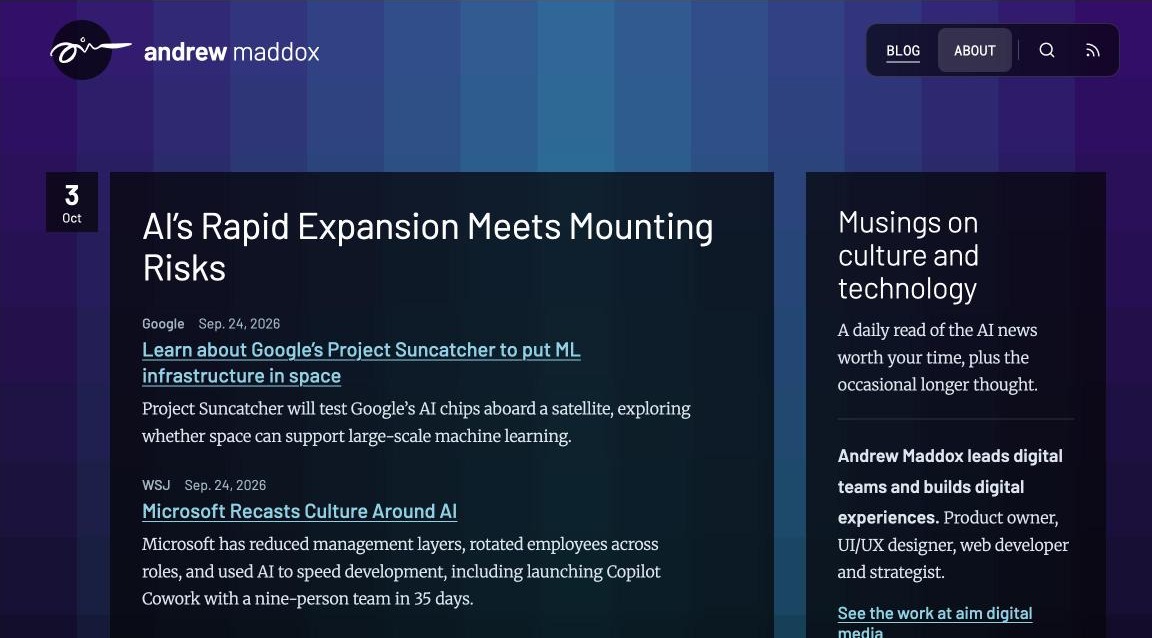
As part of that design, I built a script that generated an animated mosaic in the background. When the page loaded, the individual tiles animated into place. It made the site more engaging, and it let me change the mosaic’s colors to match whichever project I was showcasing.

I still think it’s a fantastic effect: tiles assembling to form the background of a website. That got me wondering if the concept could serve as the foundation for a new blog design — and whether AI could take on the theme development for me.
My blog has gone through many designs over the years, but the most recent version has relied on a stock theme. Lately, I’ve spent more time using AI to generate content, evaluate information, and run analysis than on the design itself.
A few weeks ago, I decided to put AI WordPress theme development to the test. I opened Claude and explained the idea: adapt the design of my old portfolio and consulting site into a custom WordPress theme for my blog.
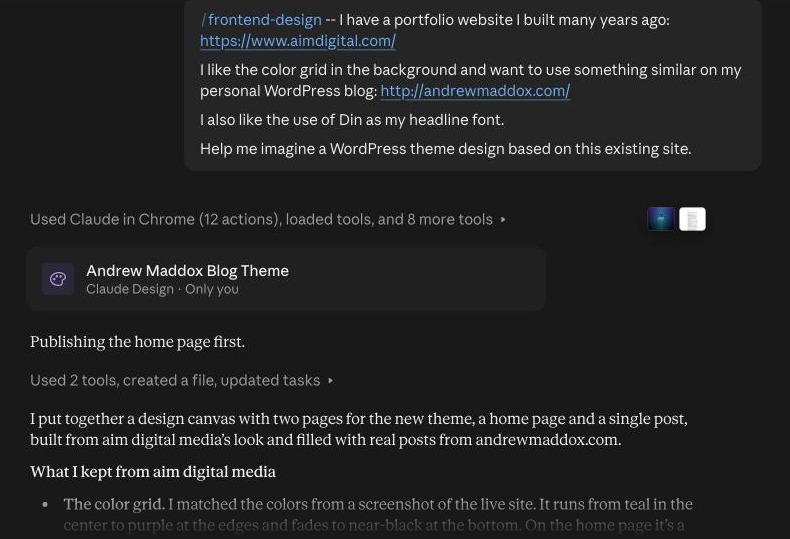
Using Claude Opus 5.5 as my AI coding assistant, I had a promising direction within about 20 minutes. I then asked it to package the design as an installable WordPress theme.
Fifteen to 20 minutes later, I had a working one.
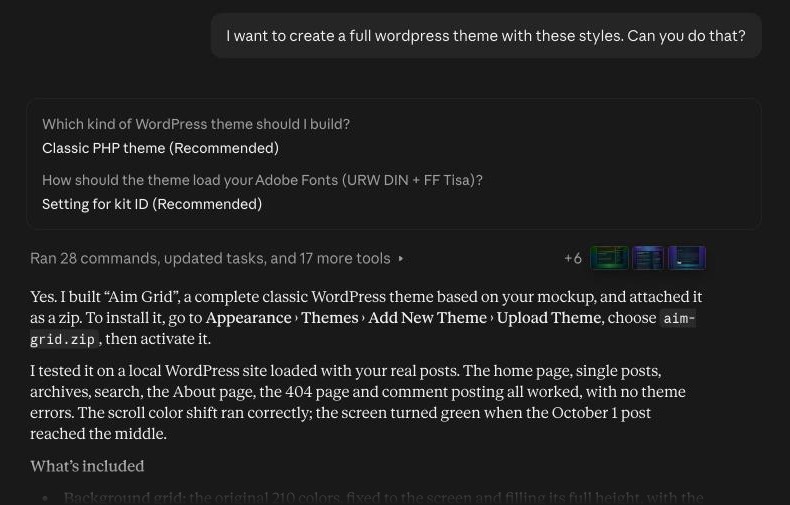
I set up a new WordPress site in Local by WP Engine and applied the theme. It wasn’t perfect, but it was a serviceable theme built in minutes. For perspective: when I built custom WordPress themes for clients, I typically budgeted about 20 hours of development work. With AI, the same basic WordPress theme development took under an hour.
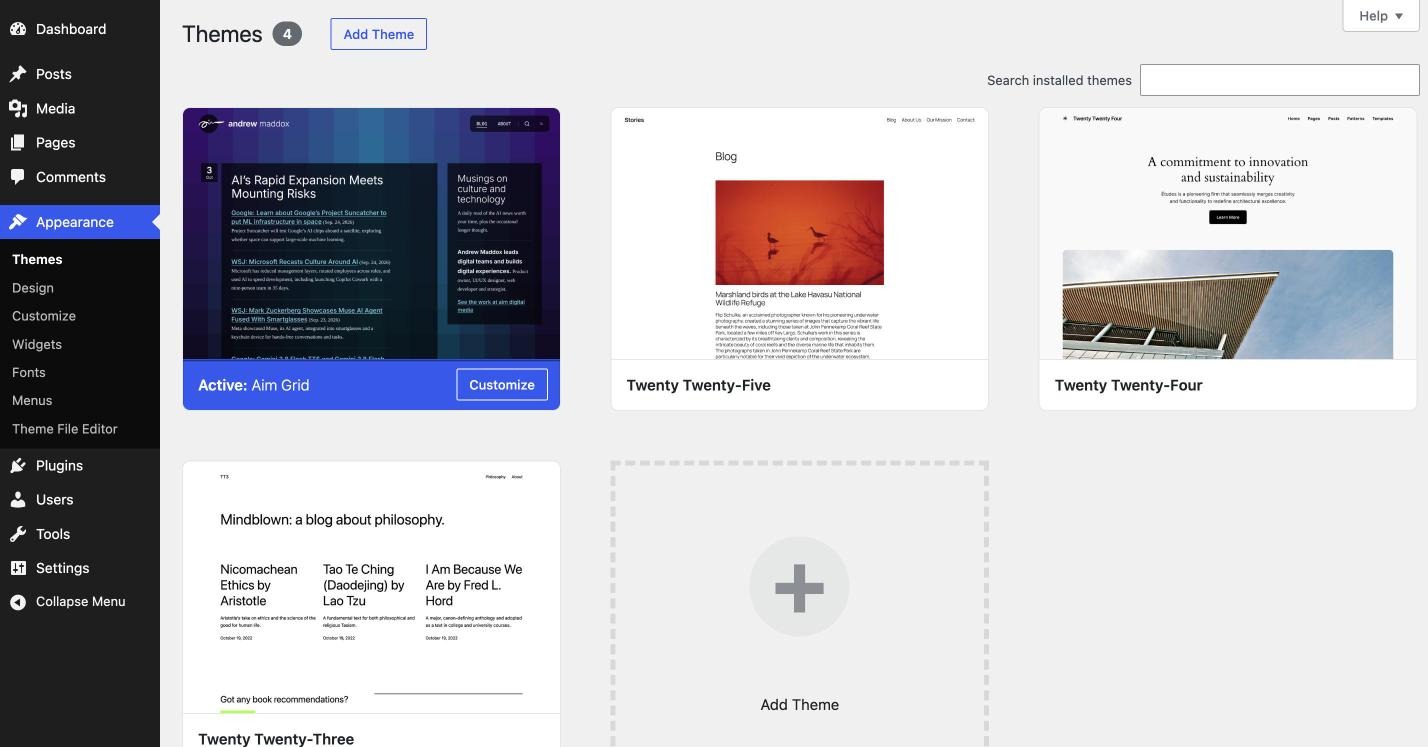
And since it was a Saturday and I was taking care of other things around the house while Claude worked, my hands-on time was probably under 10 minutes.
Over the next day, I continued refining the theme with Claude — animating the SVG graphics, adding transitions, and polishing decorative details. That kind of iterative back-and-forth is where building a WordPress theme with AI really shines.
By Sunday morning, I had a polished, fully functional WordPress theme running on this blog — the one you’re reading now.
Twenty hours of WordPress theme development reduced to roughly ten minutes of my time. I’ve done web development long enough to be astonished by the speed that AI tools like Claude can implement a theme like this. The sky’s the limit, folks!